Accessibility
How this site is built to work well for as many visitors as possible.
Last updated: August 29, 2026
Keyboard Navigation
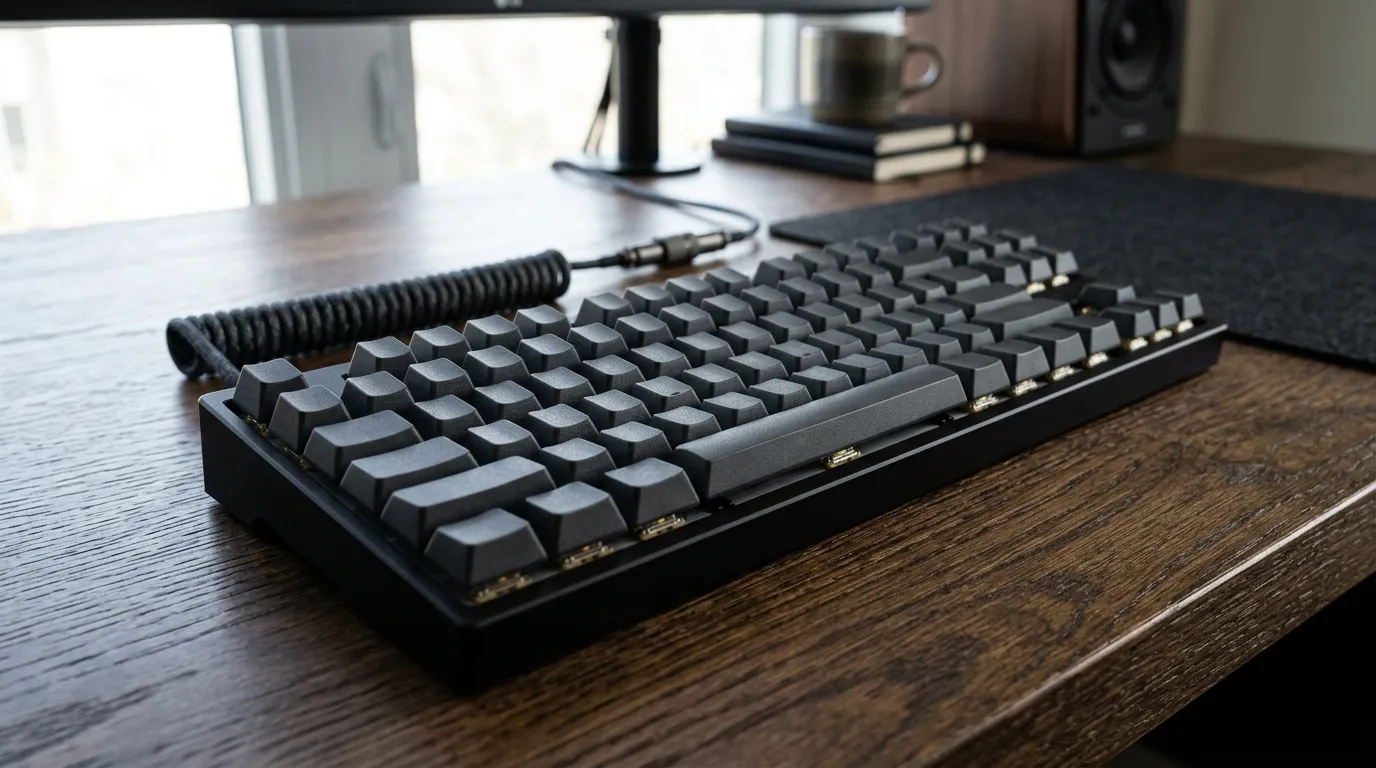
Every interactive element on this site, including navigation links, buttons, form fields, and the FAQ accordions, can be reached and operated using a keyboard alone, with Tab to move between elements and Enter or Space to activate them. A skip link at the very start of every page lets keyboard and screen reader users jump straight to the main content without tabbing through the header first.
Readable Content
Text is written in plain, direct language, set at a legible size with comfortable line height and spacing. Headings are used to describe the actual structure of each page, not just for visual styling, so the content is easy to scan and easy to follow.
Responsive Design
The layout adapts across phone, tablet, and desktop screens, with text, spacing, and tap targets sized to stay usable on smaller devices rather than shrinking down a desktop layout as-is.
Clear Focus States
Every interactive element shows a visible focus outline when navigated to by keyboard, so it's always clear which element is currently active. Focus is never hidden or removed for visual reasons.
Semantic Structure
Pages use native HTML elements such as header, nav, main, and footer for their intended purpose, form fields are paired with visible labels, and ARIA attributes like aria-expanded, aria-controls, and role="alert" are used where they add real information for assistive technology, such as on the FAQ accordions and the contact form's validation messages.
An Ongoing Effort
Accessibility on this site is something I actively work on, not a one-time checklist. If you run into anything that doesn't work as expected with a keyboard, screen reader, or any other assistive technology, I want to know about it.
Report an Accessibility Issue
If you come across an accessibility barrier anywhere on this site, please let me know so I can look into it: